Two years ago I started working on a boardgame tracking app and I shared the first prototype and ideas on this post, I also used it to make some stats about the games I played in 2023, I kept logging games, implemented a few features but never really “finished” it/
In late January I got an inspiration renewal and started working on it again, since then, I’ve done a lot of things! The core of the app was already done, and good enough that I was able to pick up where I left off easily and add a few features on top. The last post was so long ago I feel like it’s fine to do a full overview of what we got currently, so here we go!
Home page
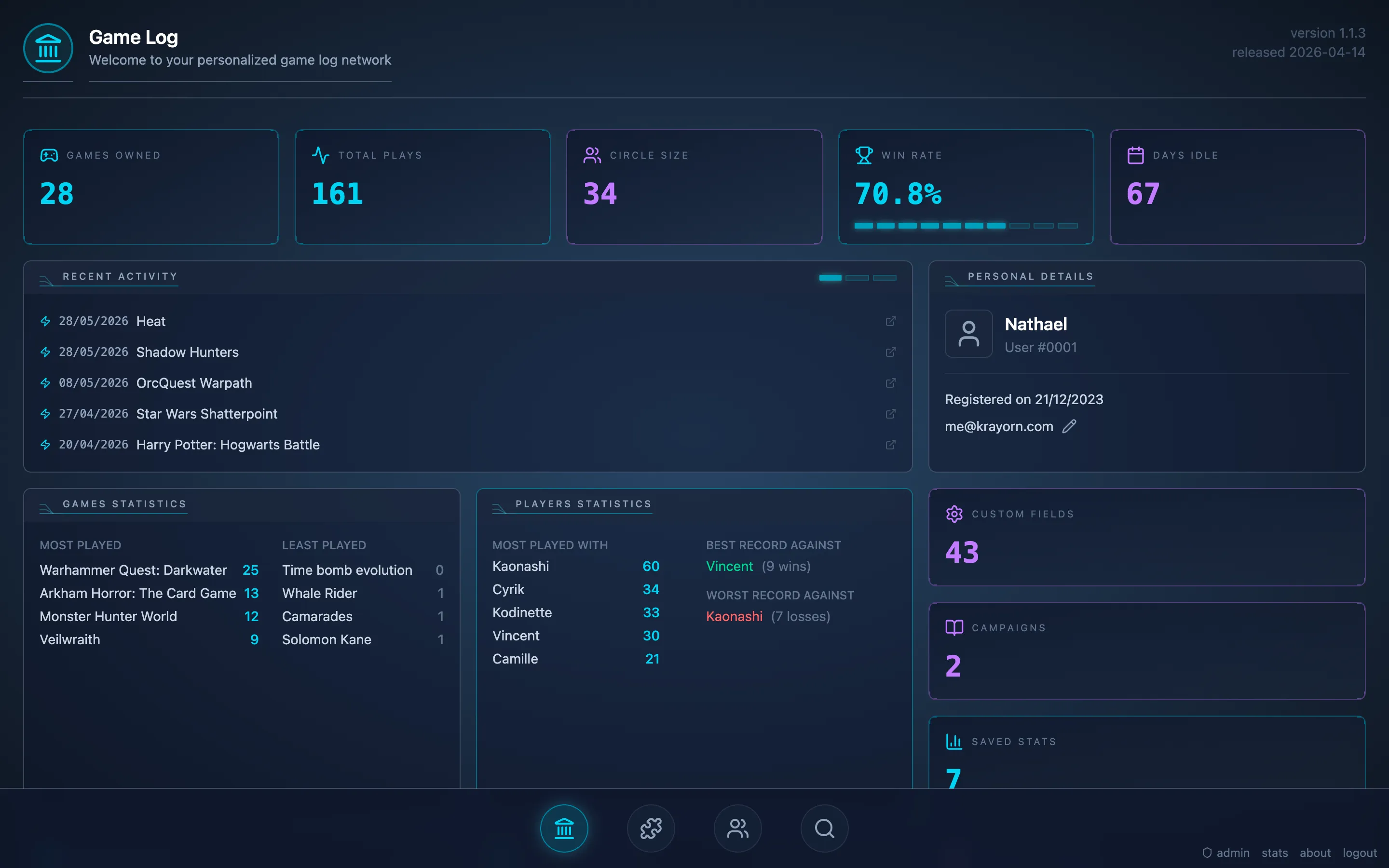
The new home page didn’t fundamentally change, but there was a complete new design picked. The first iteration was my first try at making something futuristic-looking, with heavy inspirations from Star Citizen. On this one I went with more neon colours, a more flashy blue, and a few animations! It’s still super simple, and I don’t know if it’s a great homepage, but that’s good enough for now, there is plenty of other pages to look at!
Game
Let’s now move on to the game page. It’s where you can log a new play and add custom fields. Custom fields are customizable fields that you can add to any game, it can be a number, a string or a list, and they can be linked to a player or to the play.
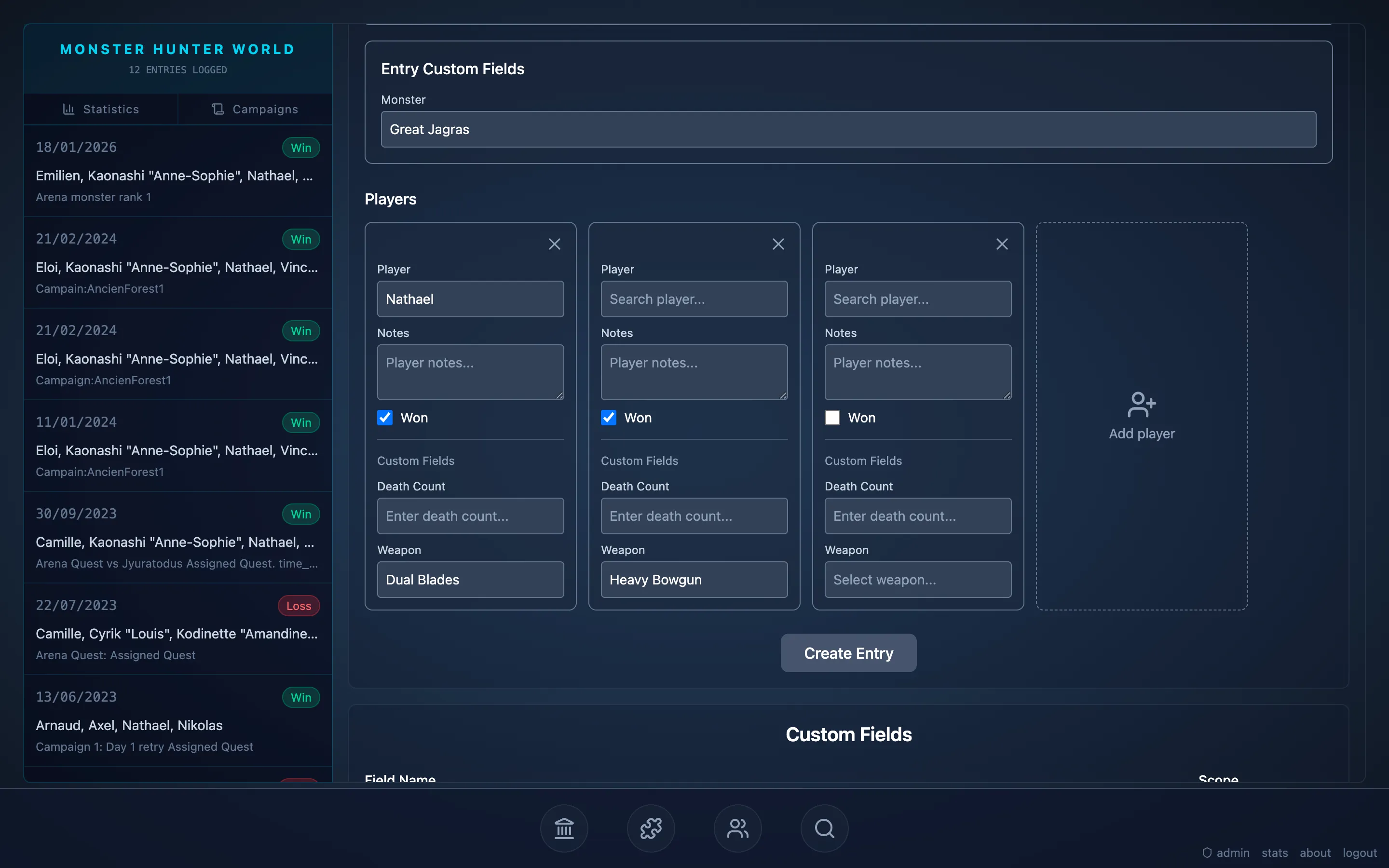
Custom fields are customizable fields that you can add to any game, it can be a number, a string or a list, and they can be linked to a player or to the play. They allow you to then get some statistics on the game and can improve the way to track campaigns.
Statistics
And here they are in action on the statistics section.
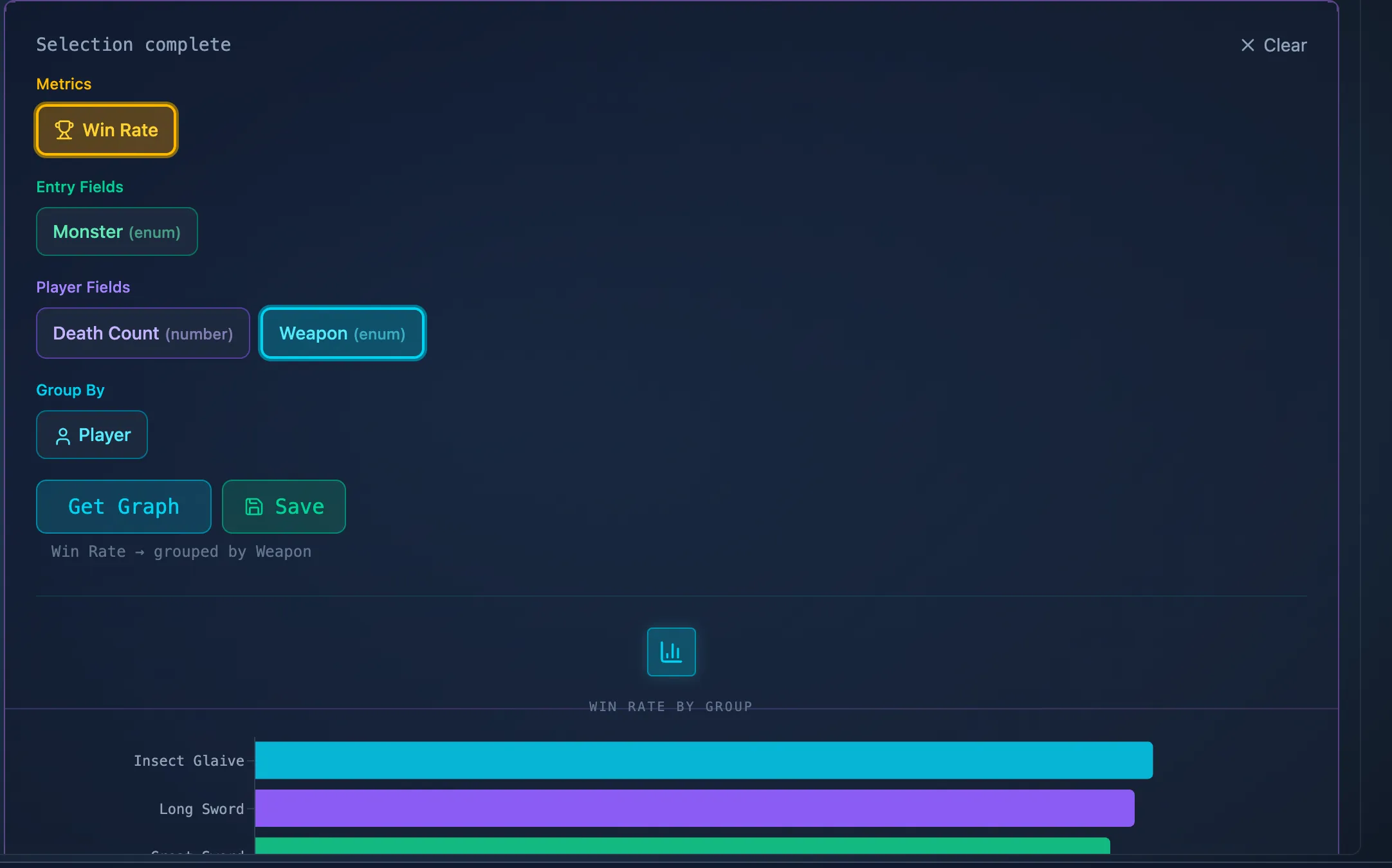
The statistics section allows you to create graphs and analyze the data from all the entries you have for a specific game. Combined with the custom fields, you can then try to get the winrate of a certain character, or the pickrate of a certain weapon. You can then save those statistics so that they are always visible for this game. Currently custom fields are tied to the player that create them, but I added a little “make shareable” button on the custom fields so that maybe anyone could copy them. This would allow to use the statistics section for plays made by anyone using the app and the same custom fieds.
Campaign
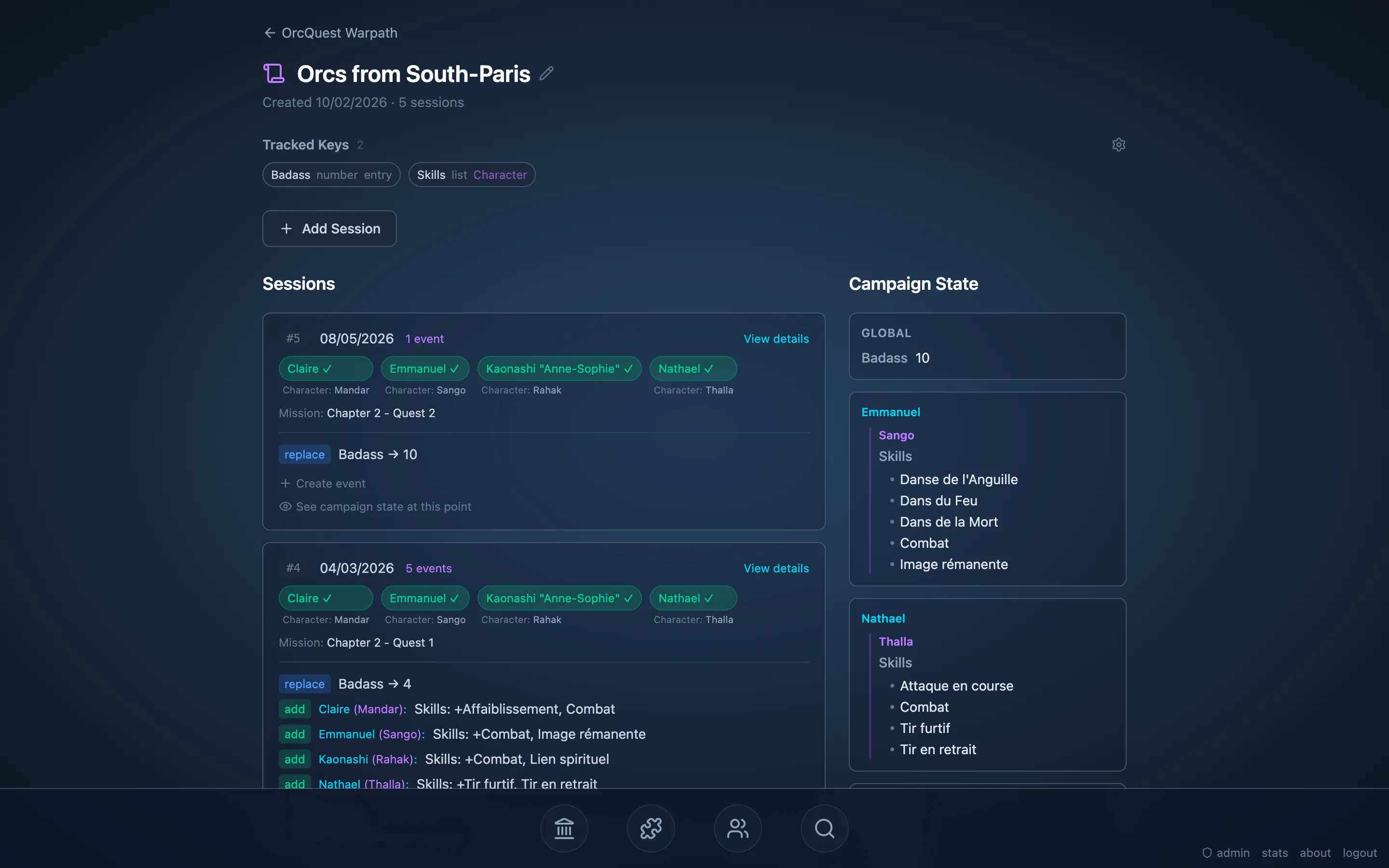
I also mentionned the Campaign feature, it’s used for games where between each play you need to trakc some progress, mission, loot, HP or whatever else the game need. You start by defining the Campaign Key you want to track, and give them a type, then you register an entry in this campaign, and you can add events to that entry that modify those values. The tech behind rely on a barebone implementation of event sourcing, so you can just specify what changed and the app automatically computes the current state of the campaign. You can even check the state at the end of some previous games to check your progress.
Inventory
I had fun designing the inventory page where you can list all the games you own, and also see all the games you played. I was inspired by some Assassin’s creed progress tracker, where all of the game state was displayed in a DNA like pattern in a horizontal bar, and reworked it to work with my design.
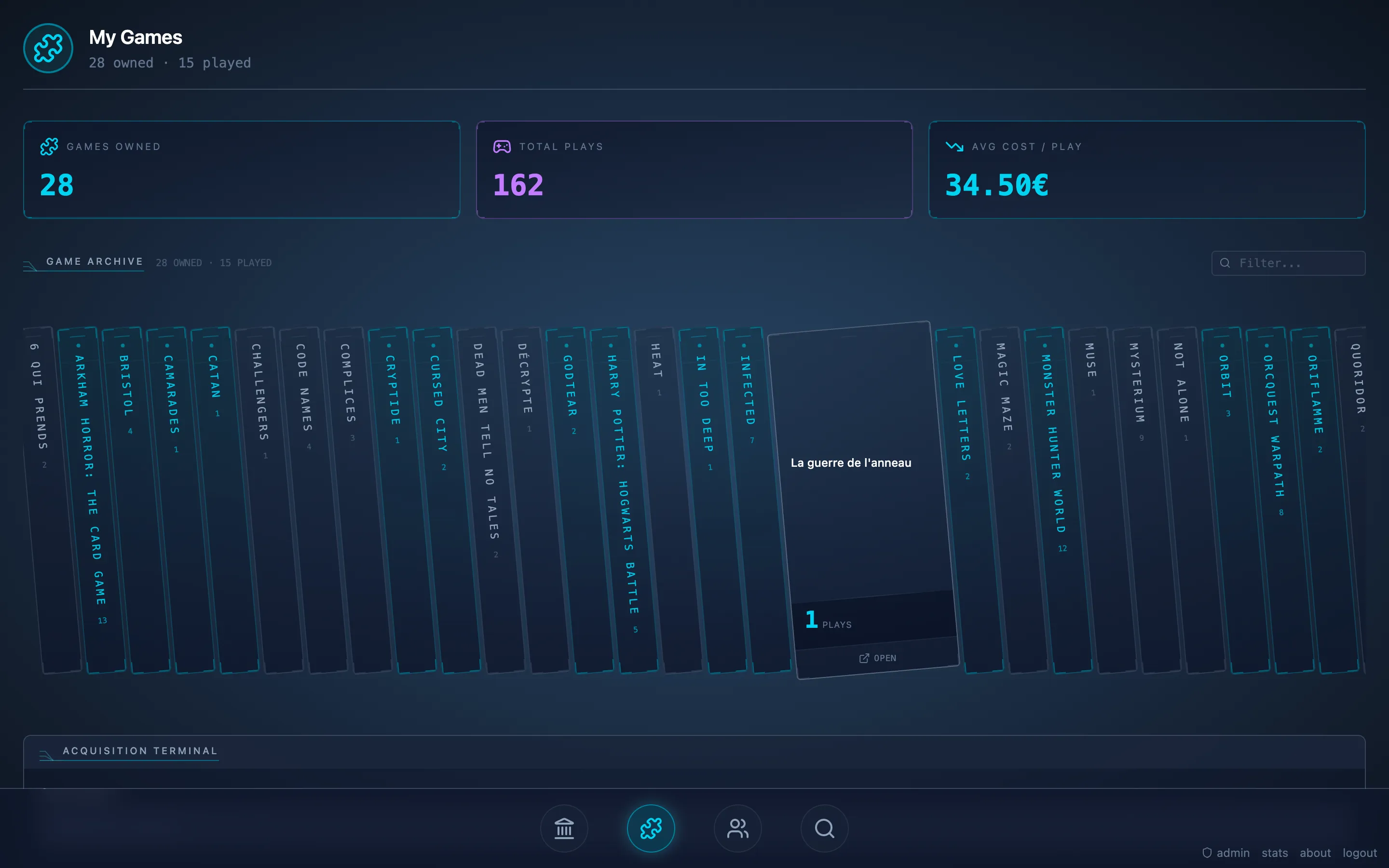
I think it’s pretty cool!
Circle
I also added a new way to vizualise your gaming circle, it’s not working super well atm but it’s already a bit fun!
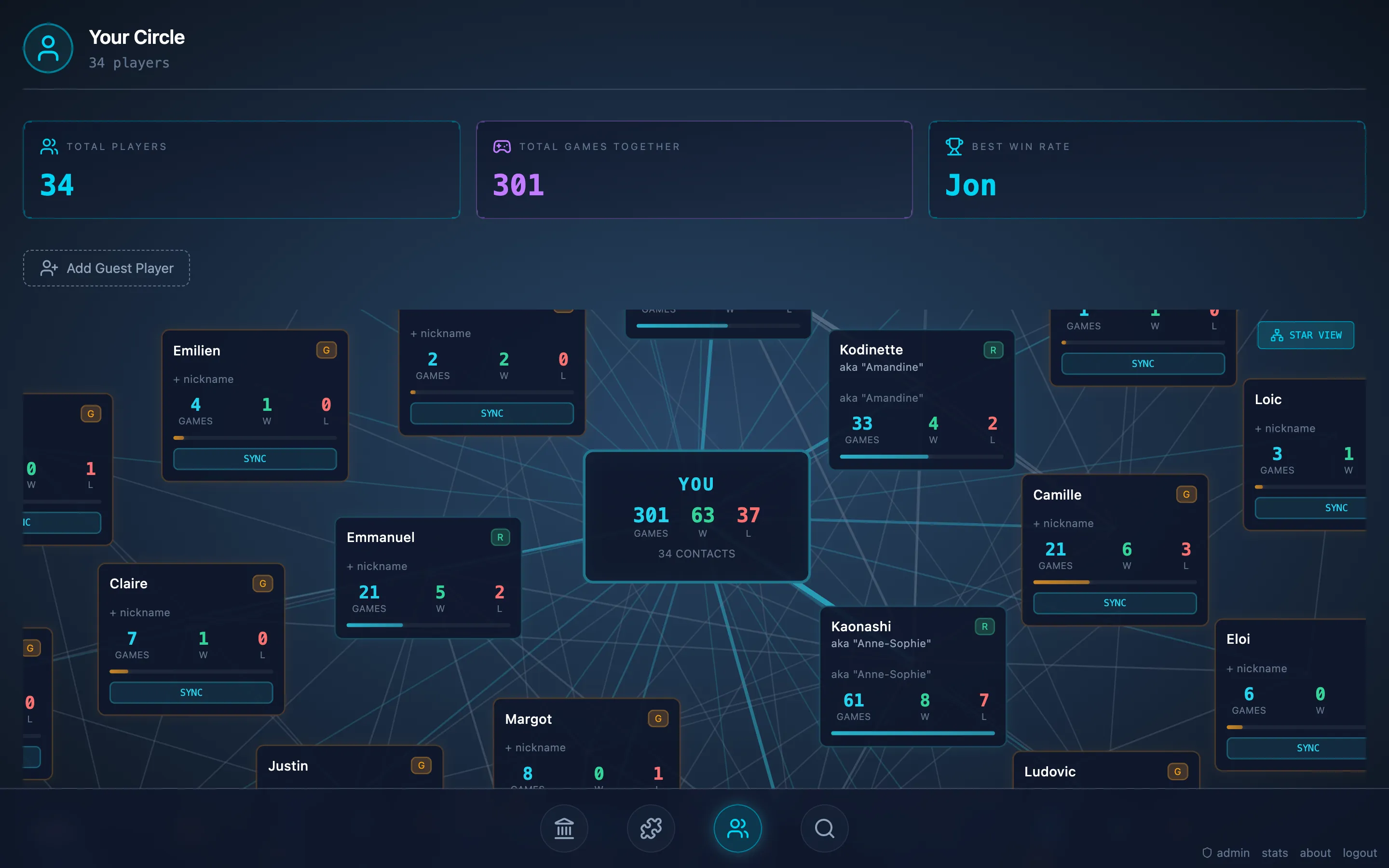
It shows connections between the players you played with and the number of times they won or lost against you (so not counting co-op games).
Admin
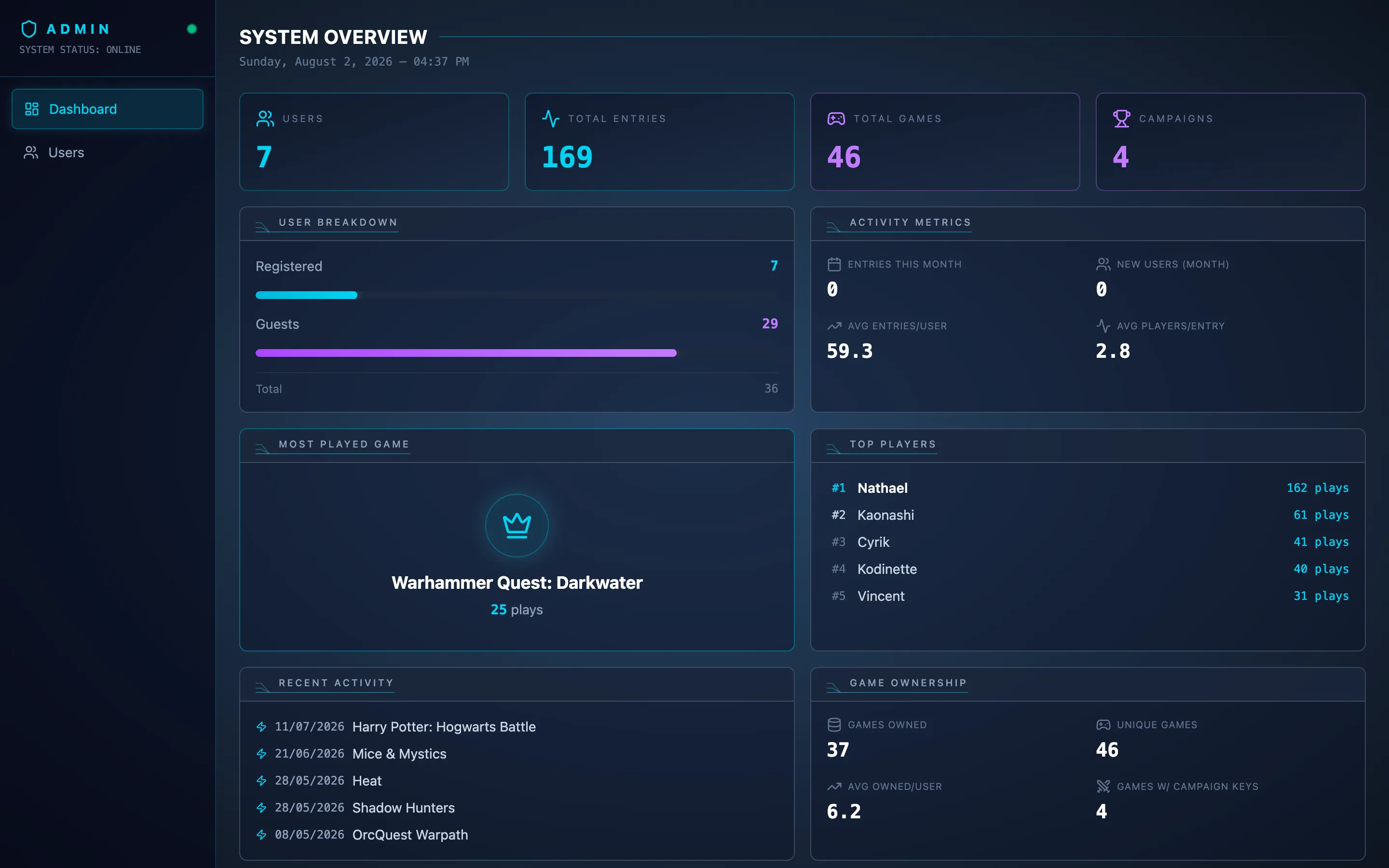
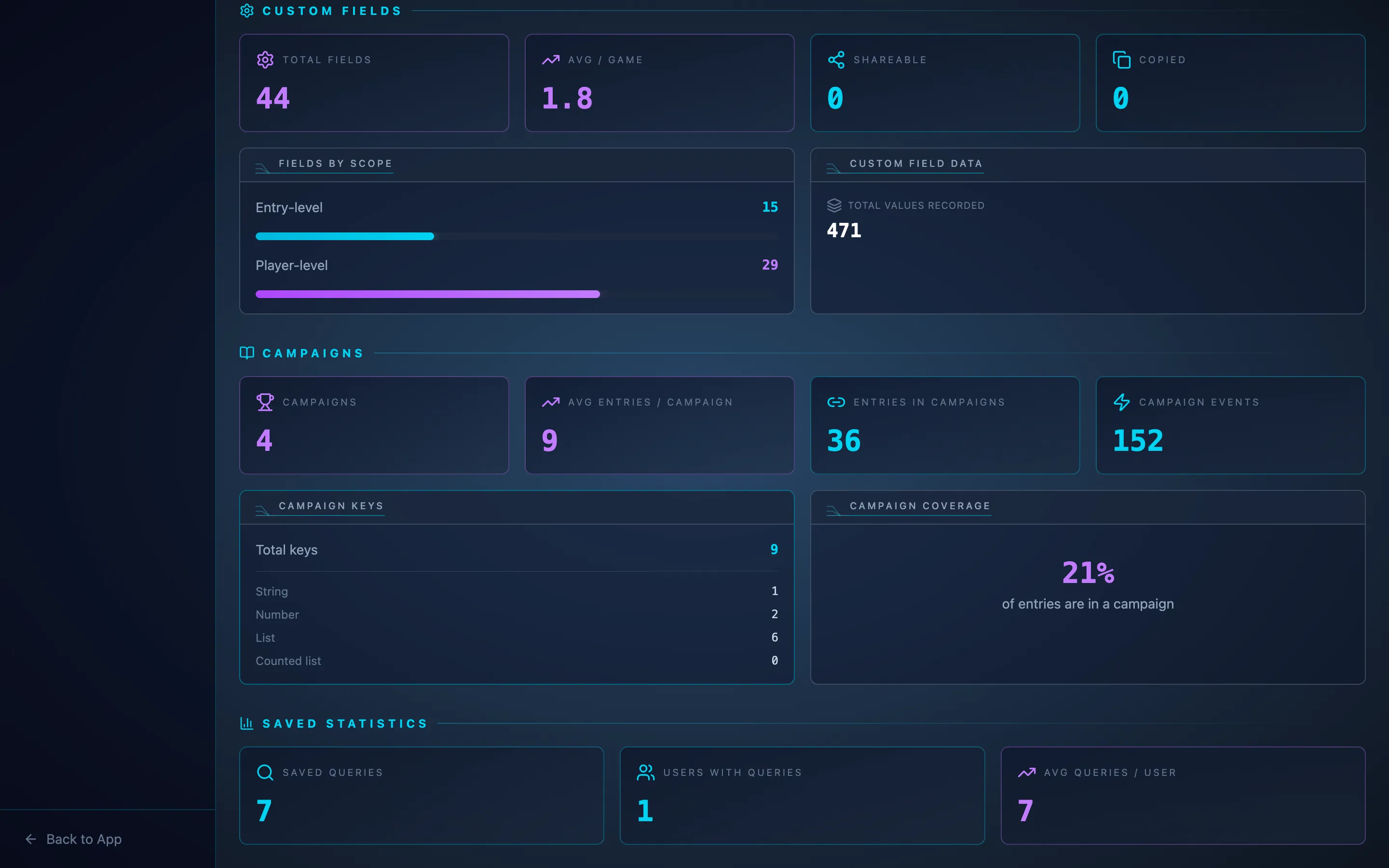
I also added a smallish admin page to get some stats about the site, it’s mostly for fun since only me and maybe two other friends use the site, but who knows, maybe this will be easier in the future, I have at least one user that registered from idk where to check the app out!
Global stats
And finally, to complete this post, I present you the open global statistics of the website, no image for this one because you can just click on this link. I thought having a open stats page could be fun, to give an idea of the artistic style of the app for people without having to create an account (since I don’t have a homepage or smth).